The ultimate guide to using the sims 4 edit sim cheat
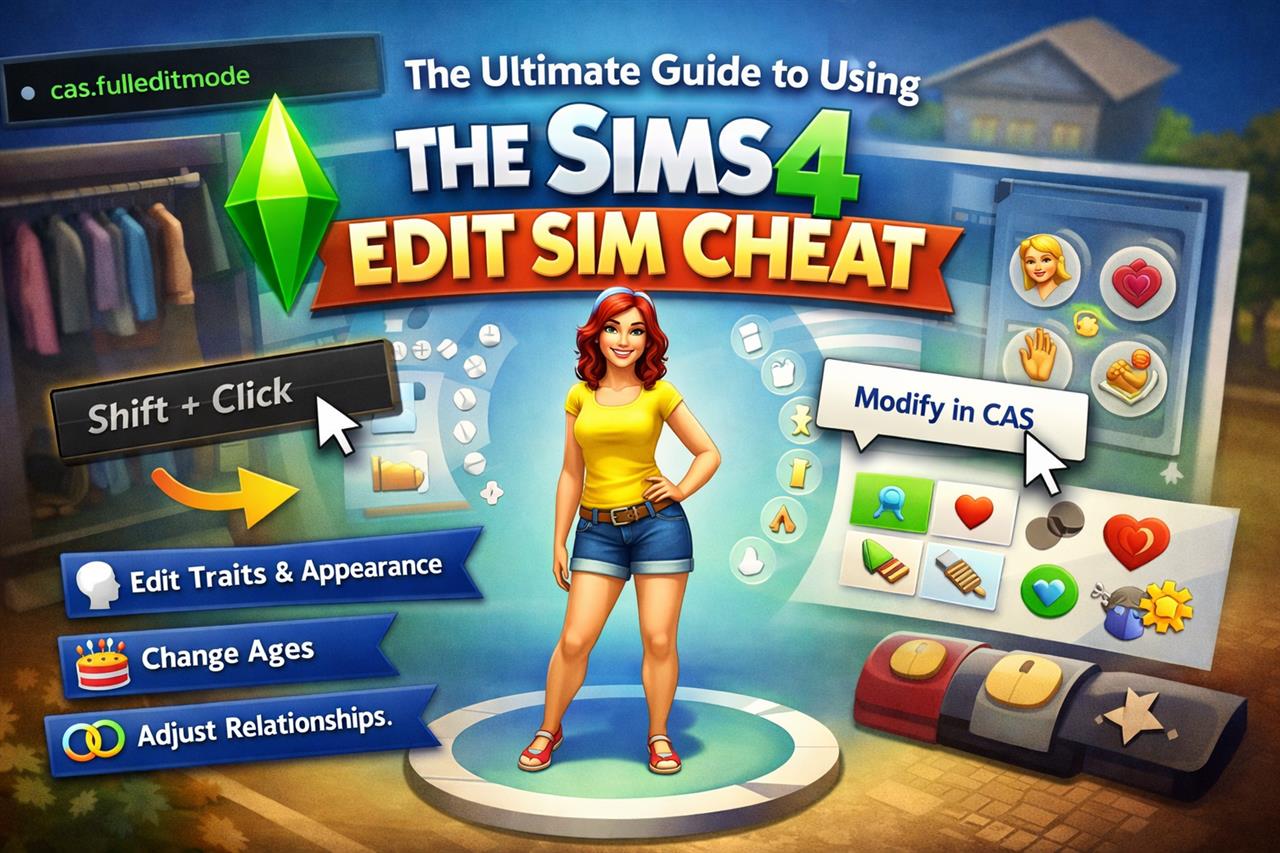
Whether you've made a mistake during Sim creation or just want to freshen up your character's style and traits, The Sims 4 provides a powerful cheat that allows you to re-enter Create-a-Sim (CAS) mode with full editing capabilities. In this guide, we'll walk through how to enable and use the Sims 4 edit sim cheat so you can customize your Sims without starting from scratch.
What is the Edit Sim Cheat?
The edit sim cheat, also known as CAS Full Edit Mode, gives players access to all aspects of Create-a-Sim, even after the game has started. While you can normally change outfits and hairstyles within the in-game mirror and dresser settings, this cheat allows you to modify traits, relationships, aspirations, ages, and even body elements that are usually locked.
How to Enable Cheats in The Sims 4
Before using the edit sim cheat, you need to activate the cheat console:
- Open The Sims 4.
- Press Ctrl + Shift + C on your keyboard (Cmd + Shift + C on macOS).
- In the cheat console that appears at the top of your screen, type: testingcheats true
- Press Enter to enable cheats.
How to Use the Edit Sim Cheat
Step-by-Step Instructions
Once cheats are enabled, follow these steps to fully edit your Sim:
- Type the following cheat into the console: cas.fulleditmode
- Press Enter.
- Hold Shift and click on the Sim you want to edit.
- Select "Modify in CAS" from the pop-up menu.
This will take you back to the full Create-a-Sim screen, where you'll be able to change anything about your Sim just as you could during the initial setup.
What You Can Change
With the edit sim cheat enabled, you can customize numerous aspects of your character:
- Traits and Aspirations
- Relationships and Family Ties
- Body Shape and Facial Features
- Gender Settings
- Voice and Walking Style
- Life Stage (Baby, Toddler, Child, Teen, Young Adult, Adult, Elder)
Tips for Using the Edit Sim Cheat Effectively
When to Use It
- Fixing accidental trait or aspiration choices
- Re-creating characters from other games or media
- Making story-driven changes (e.g. aging up a Sim for a legacy challenge)
Things to Keep in Mind
- Use this cheat with caution if your Sim is part of a complex family tree, as changes can sometimes cause bugs.
- If you age a Sim down, existing skills and careers may be lost.
- Always save your game before using cheats to avoid unwanted outcomes.
Troubleshooting Common Issues
If the cheat isn't working, double-check the following:
- Make sure cheats are enabled with testingcheats true.
- Ensure you're typing cas.fulleditmode correctly, without spaces or typos.
- If using mods or custom content, temporarily disable them to check for conflicts.
Why Players Use this Cheat
The Sims is a game heavily focused on storytelling, and sometimes players need to make changes to better fit a narrative. The edit sim cheat allows for fluid customization and helps players keep their gameplay authentic and engaging. Whether you've decided your Sim is better suited as an artist instead of a scientist, or they need a complete makeover, this cheat gives you the flexibility to adjust your story as needed.
Conclusion
The edit sim cheat in The Sims 4 is one of the most useful tools for players looking to personalize their characters beyond the normal limits. With just a few simple commands, you can unlock full CAS access and bring your creative visions to life. For more details and visual guides, visit the full article on the Sims 4 edit sim cheat.